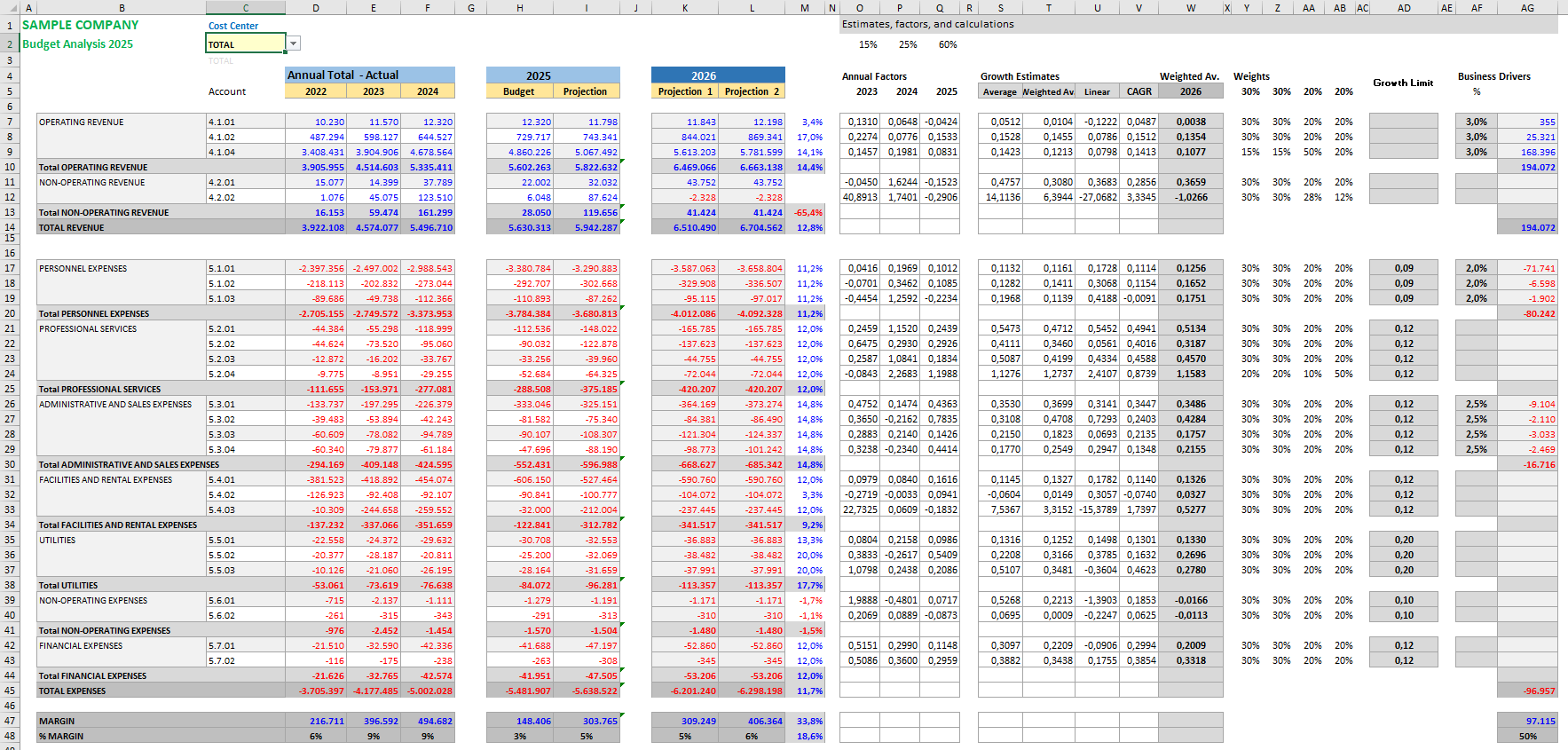
— What should next year's budget look like?
Once we have estimated how the current year is likely to end, a new question immediately appears.
How do we build next year's budget?
This question usually arises months before the current year has actually finished.
Companies, universities, schools, hospitals and many other organizations need to start preparing their budgets well in advance.
And the situation is usually very similar.
You have several years of historical information.
You have a current budget.
You understand how revenues and expenses have been evolving.
Yet answering a seemingly simple question remains surprisingly difficult:
How much should we budget for next year?
The answer rarely comes from a single formula.
And it is almost never as simple as copying last year's budget and applying a blanket percentage increase.
Building budgets based on intuition or simply repeating last year's numbers ❌
Using historical data, trends and business knowledge ✅
That is exactly what the model presented in this article is designed to do.