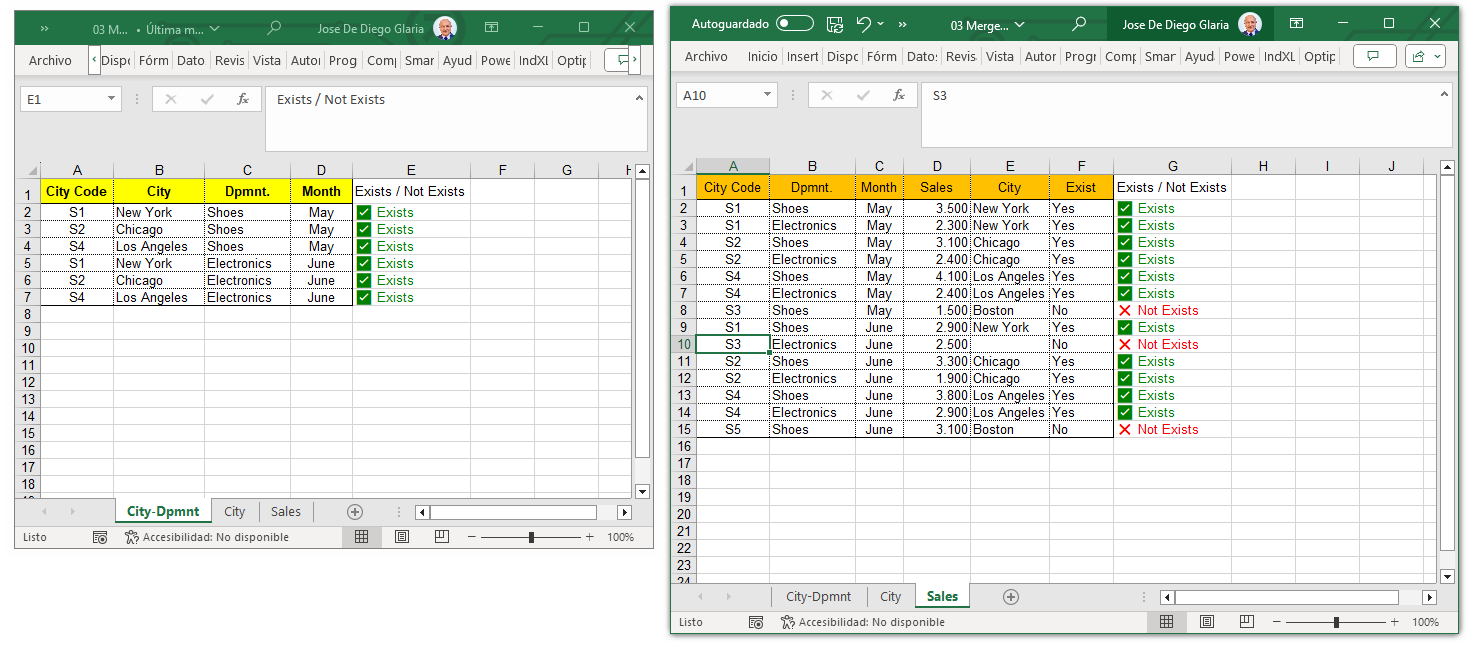
Comparing two columns or lists in Excel is one of the most common tasks when you need to find differences, missing records, matches, or duplicates between two columns. Although you can do it with XLOOKUP, COUNTIF, FILTER, or Power Query, these methods usually require formulas and multiple steps. In this article, you'll discover all the available approaches and an easy way to compare lists automatically in seconds.
In my nearly 30 years working with Excel in the administrative core of various organizations, comparing lists has always been one of the most time-consuming and error-prone tasks. Whether for bank reconciliations, customer matching, inventory audits, or ERP cross-checks, doing it manually generates constant mistakes and wastes valuable hours. That’s why I created the Compare Lists tool inside Data Tools Suite: to remove that friction and allow anyone to compare lists accurately in just seconds.
Imagine this: You have a master list of clients or products and another updated list (from sales, invoicing, or ERP). You need to quickly know which items match, which are missing, and which are duplicated… but doing it manually is slow and prone to errors.
Keep wasting time with formulas and potential errors? ❌
Or compare lists in seconds with clear, reliable results? ✅