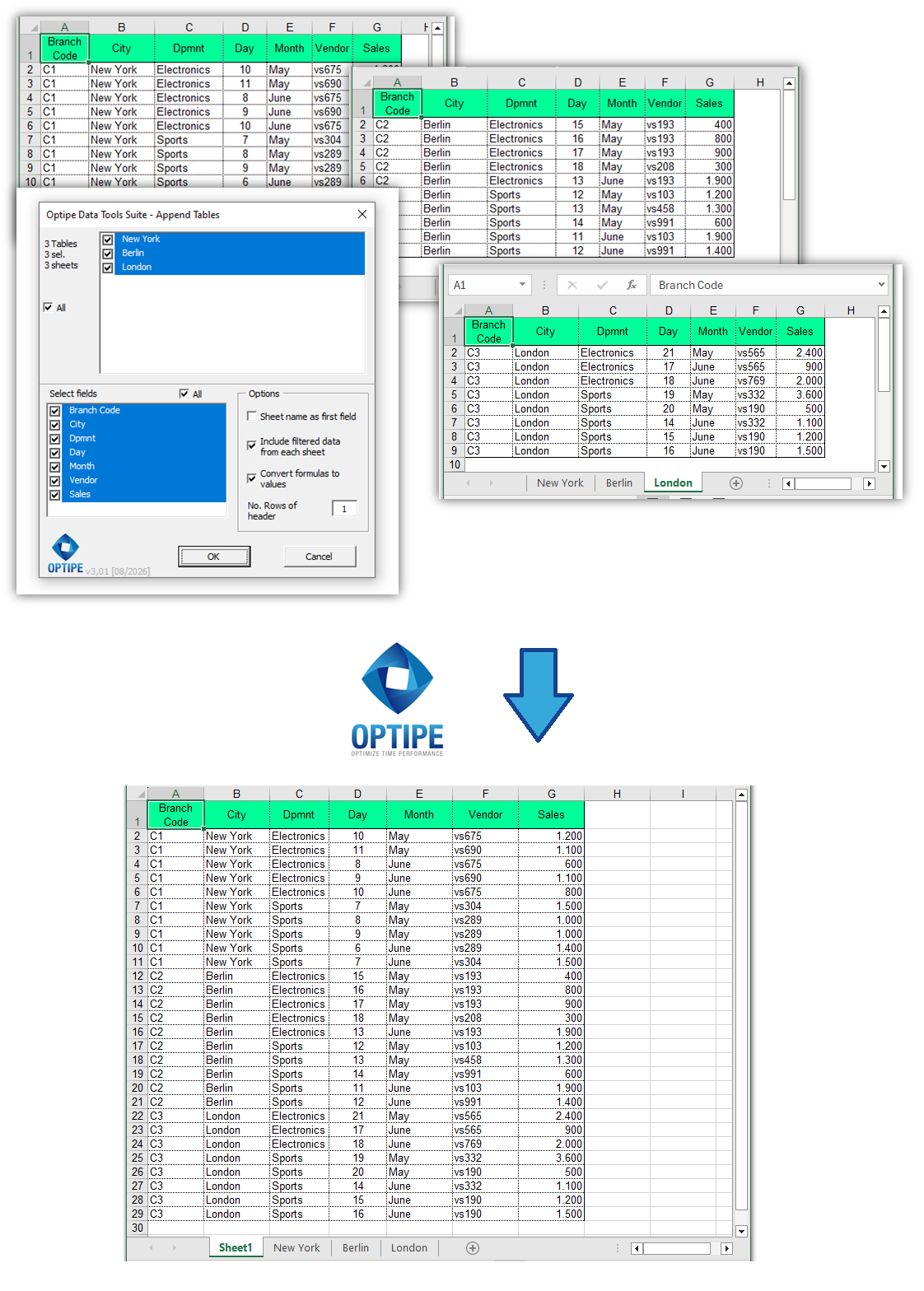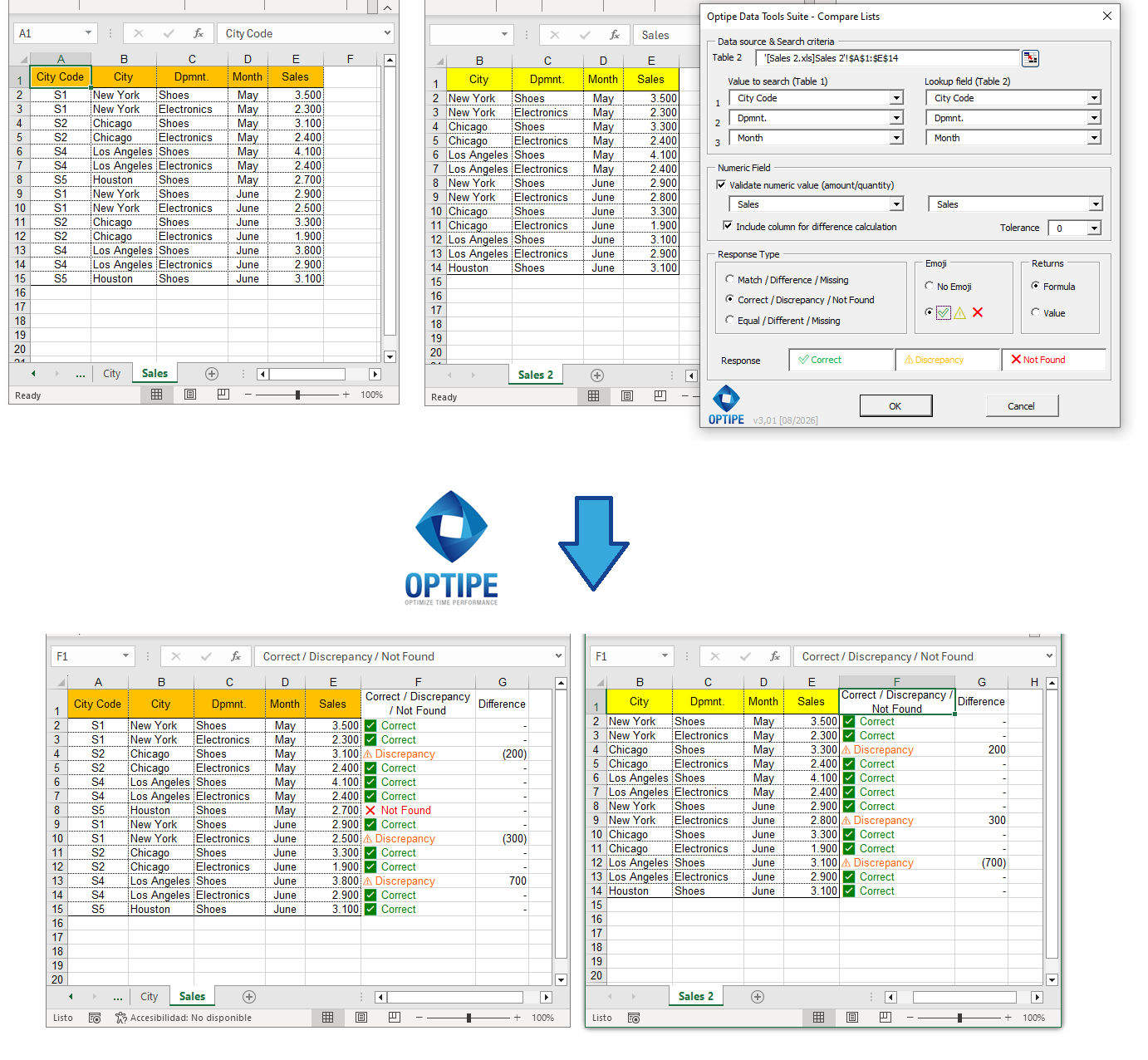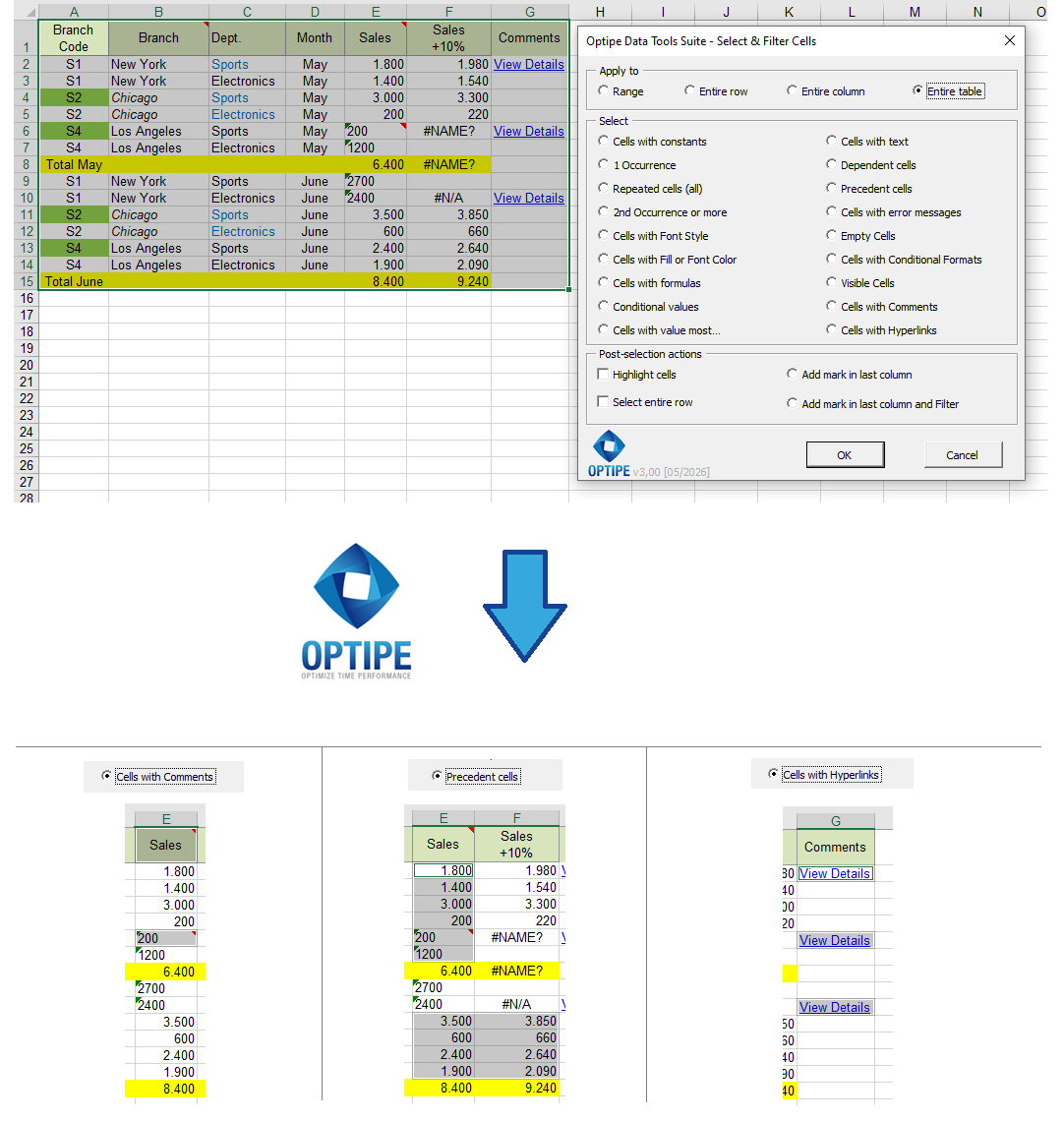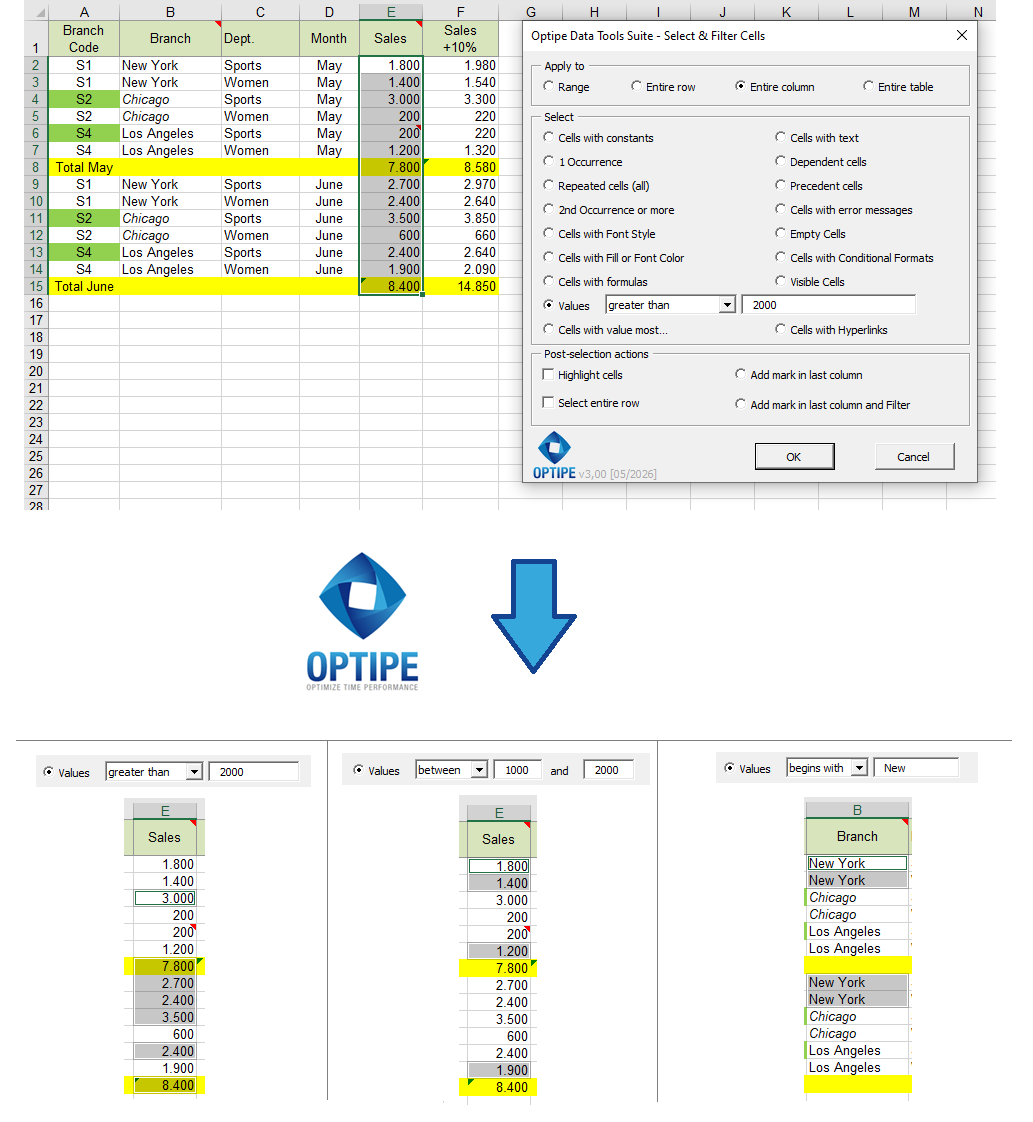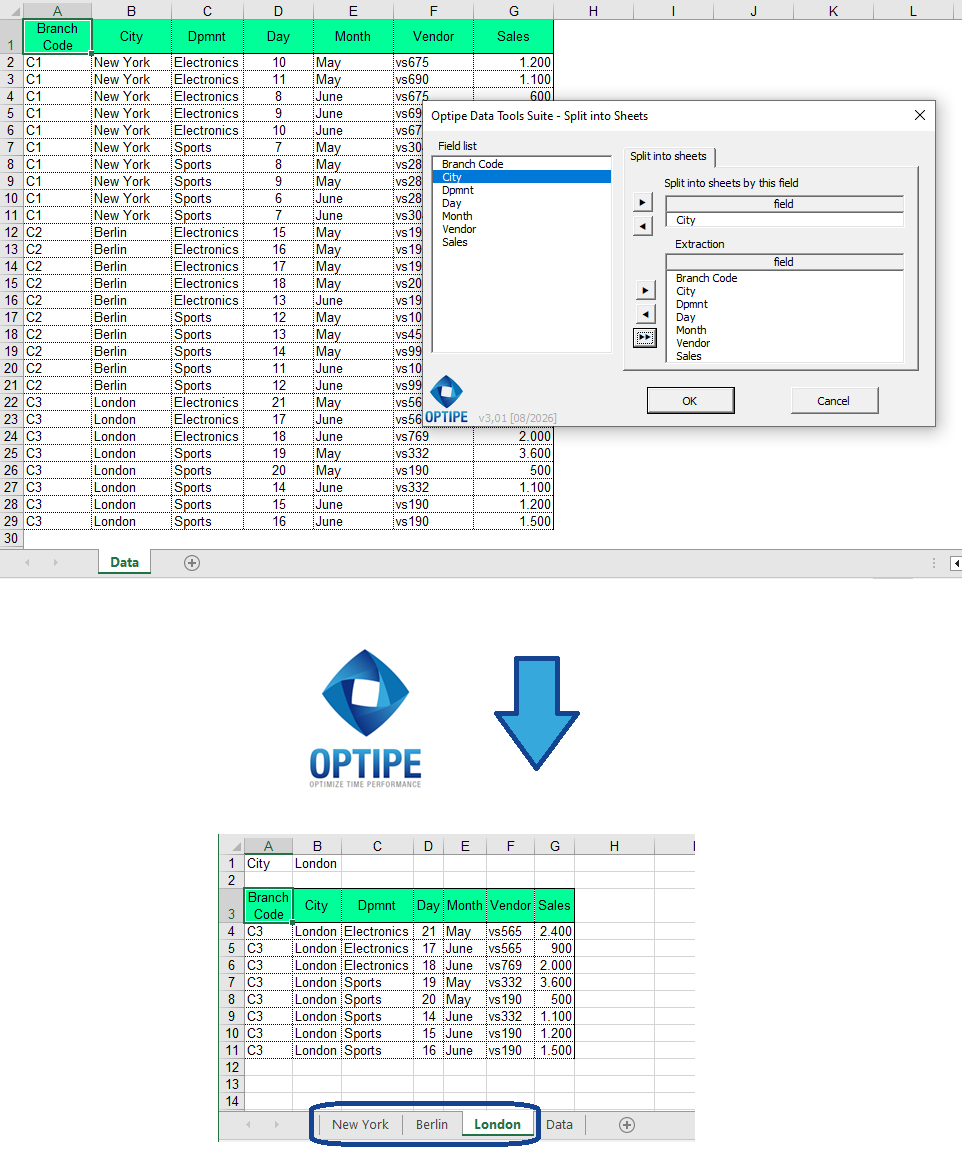
Splitting an Excel table into multiple worksheets allows organizations to automatically generate individual reports for customers, branch offices, departments, salespeople or business units from a single master database. This is a common requirement in finance, sales, operations, human resources and management reporting.
When a table contains information belonging to multiple recipients, manually filtering, copying and creating worksheets becomes repetitive, time-consuming and prone to errors. Large datasets only make the problem worse.
Imagine this scenario: you have a consolidated sales database containing records from New York, Berlin and London. Each branch manager needs an individual report. How do you automatically generate separate worksheets without manually filtering and copying data?
Create branch reports one by one manually? ❌
Generate all worksheets automatically in seconds? ✅